( Free · in the browser · no sign-up )
Add fade in or fade out online Apply a linear fade of up to 10 seconds
Create a gradual linear start or ending and preview the envelope before exporting the audio.
Or drop an audio or video file anywhere on this page. Supports: MP3, WAV, M4A, AAC, FLAC, OGG, WebM, MP4, MOV, MKV, and more.
The file you choose is processed in this tab; the page still loads site resources and consented analytics. Read the Privacy Policy.
- 01No installation
- 02Audio processed locally
- 03Preview before export
- 04No account
( What it is )
Fade in, fade out audio for music, voice and video clips
Whether you need a smooth intro for your podcast episode, a polished ending for a music track, or seamless transitions between video scenes — our fade tool delivers practical without the complexity of a DAW or the cost of audio software.
Podcasts & Voice Content
Start episodes with a graceful fade in on your intro music instead of a jarring sudden entry. End with a practical fade out that signals to listeners that the show is wrapping up. A smooth transition is the simplest way to elevate the perceived production quality of any podcast.
Music Tracks & Playlists
Create elegant intros and outros for background music used in videos, presentations, and content. Fade your track in over 3 seconds to build naturally, or fade it out over 8 seconds to close gracefully — without cutting the audio abruptly mid-phrase.
Video Soundtracks & Social Media
Sync your audio to video with precision fade transitions. Platform algorithms reward intentional audio design — a fade that matches the visual pacing of your Reels, Shorts, or TikTok clips makes the entire production feel cohesive and deliberate.
( How it works )
How to add a fade in or fade out in 3 steps
Applying practical fade transitions is fast and intuitive. Our local processing ensures your files never leave your device.
- ( 01 / 03 )
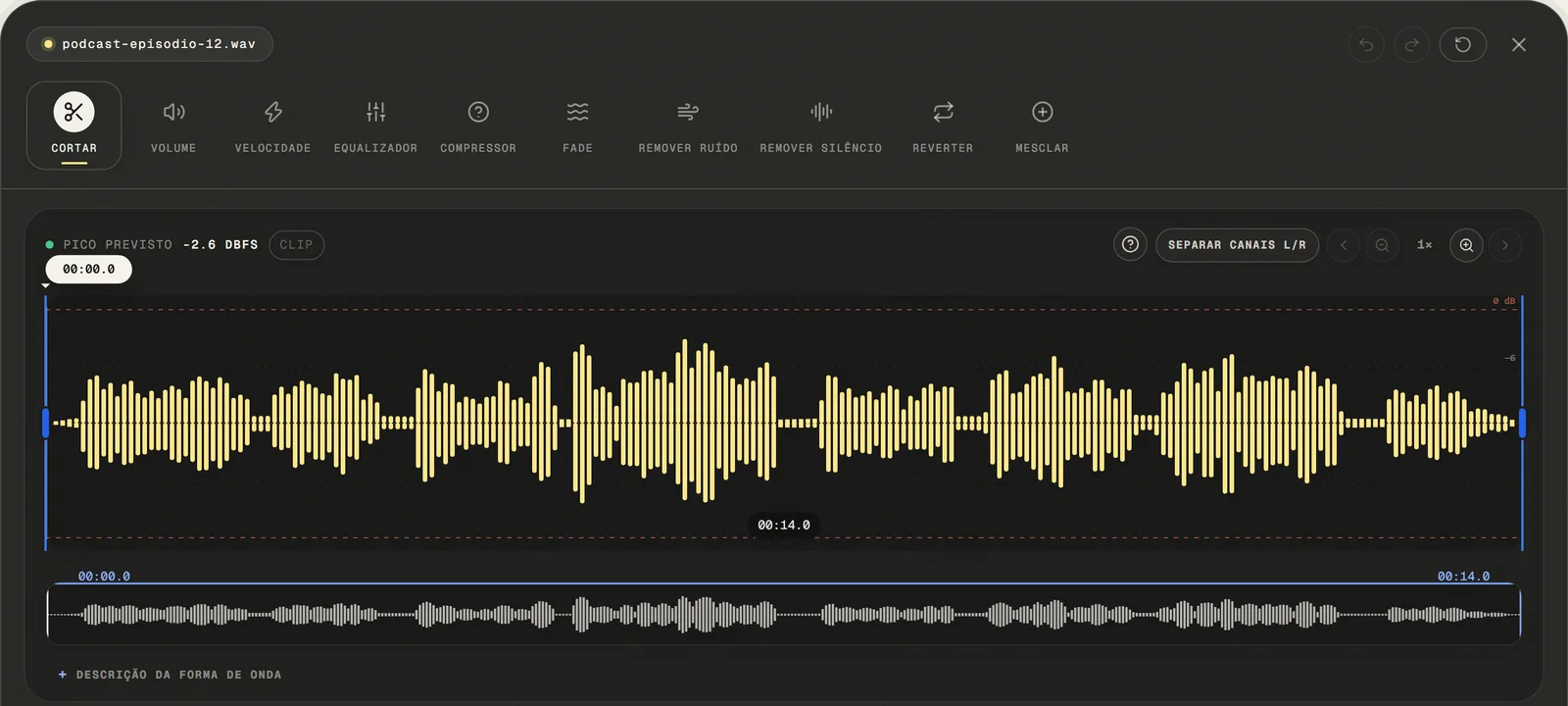
Upload Your Audio File
Choose a common audio or video file, paste a public link, or use the microphone. For video, only the first compatible audio track is opened.
local processing
- ( 02 / 03 )
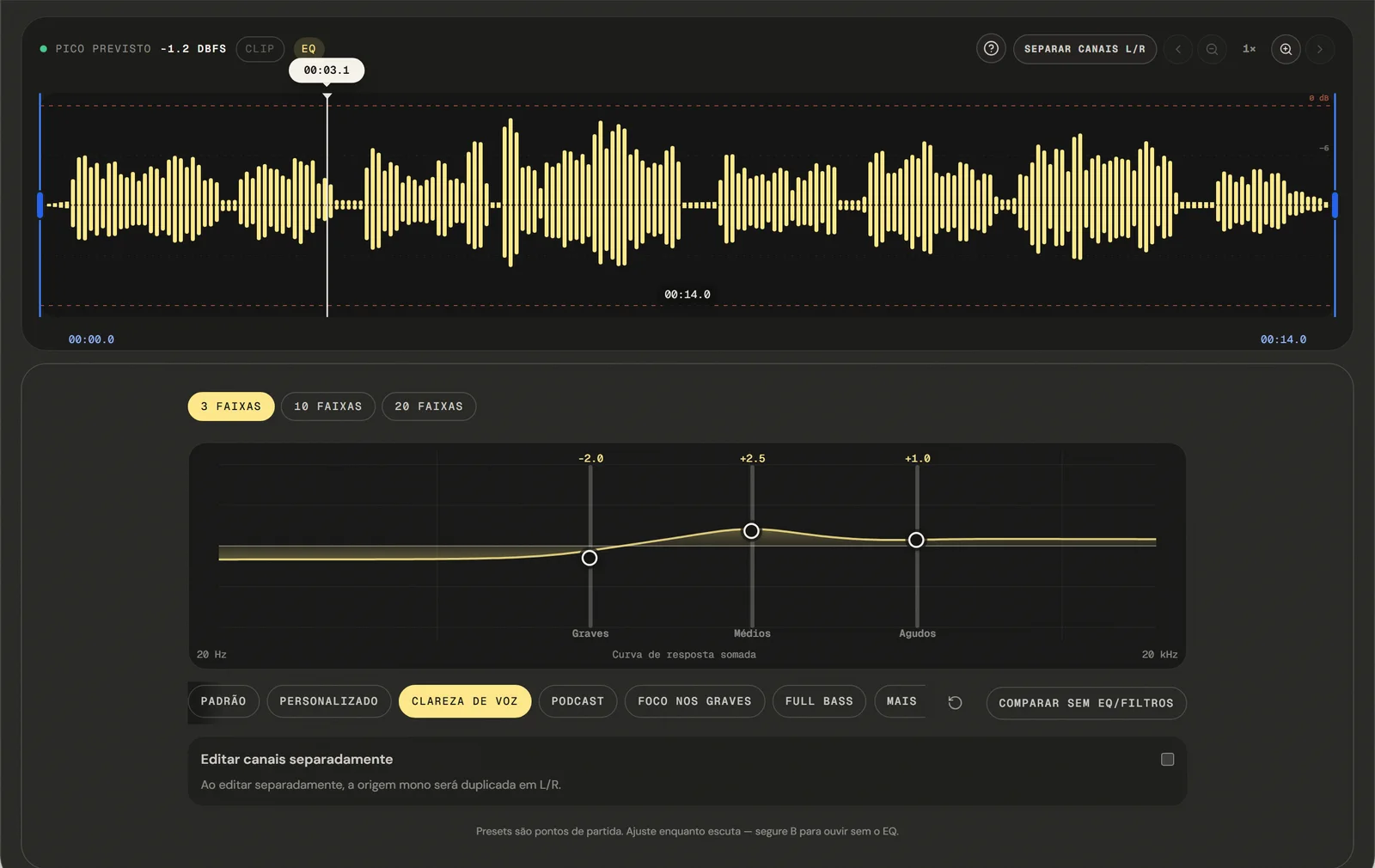
Set Fade durations independently
Use the fade in slider to set how long the audio takes to reach full volume from silence. Use the fade out slider to control how long it takes to fade back to silence at the end. Both durations are independent with tenth-of-a-second precision.
Precision Control
- ( 03 / 03 )
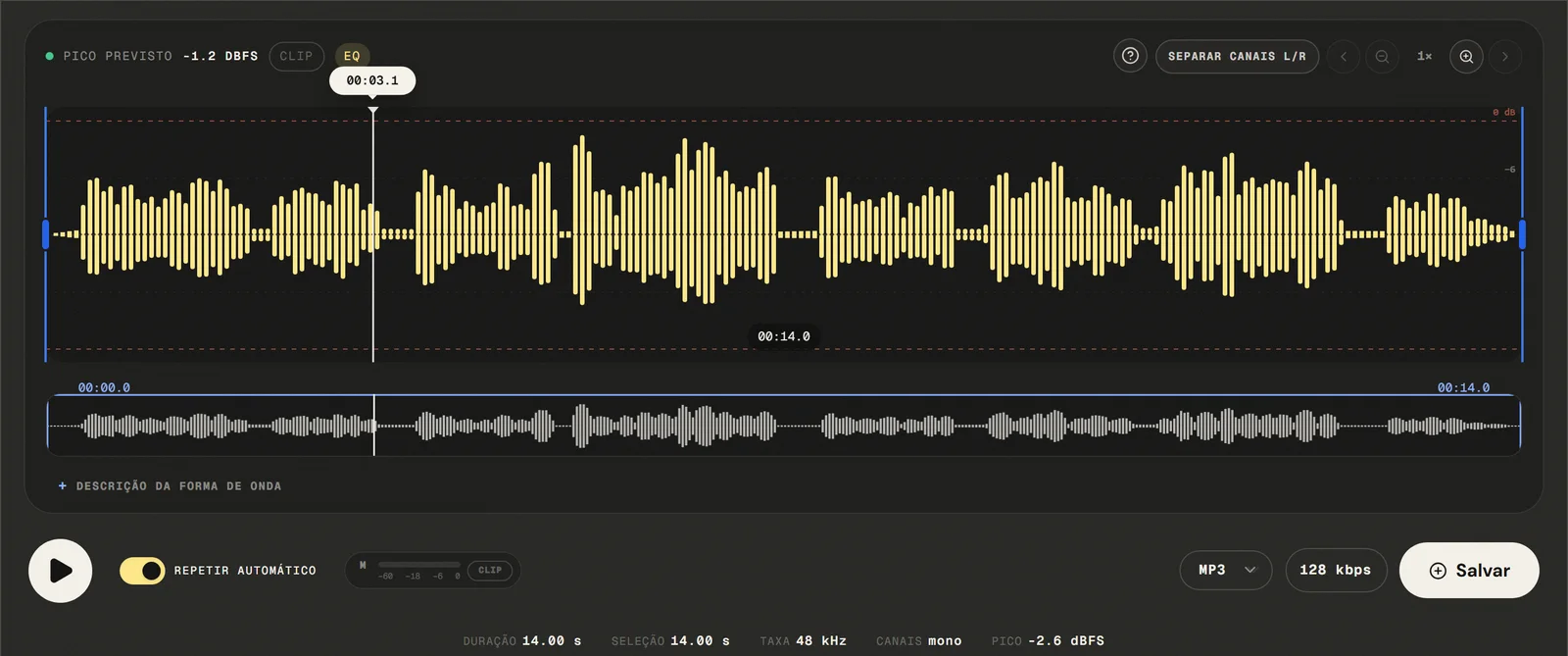
Export and Download Your File
Available outputs are MP3 from 64 to 320 kbps, 16-bit PCM WAV, M4A with 192 kbps AAC, and FLAC. Your file with the applied transitions downloads after local processing — no watermark, no re-upload, no account needed.
No Watermarks
( Precision )
A linear fade of up to 10 seconds, at either end
Experience practical transition processing directly in your web browser.
- 01
Linear & linear Curves
The available fade uses a linear curve over the selected duration.
- 02
Independent Application
Apply only a fade in, only a fade out, or both simultaneously. Maximum flexibility — perfect for audio that needs only a clean ending or only a smooth opening.
- 03
Real-Time Preview
Hear the fade effect applied to your audio in real time before exporting. Adjust the duration sliders and listen immediately — no need to re-export to check your work.
( Why in the browser )
Why a fade beats ending a track on a hard edge
practical audio editors require expensive subscriptions and hours of learning to achieve what our tool does after local processing. Fade effects are essential for quality audio production.
- ( 01 )
Open It and Start, No Install
Open your browser and apply fade effects in under ten seconds. No download, no plugin, no setup. depends on the browser's audio capabilities Windows, macOS, Linux, iOS, and Android.
- ( 02 )
Processed in your browser
Your audio never leaves your device. Fade processing runs entirely in your browser using Web Audio API and browser JavaScript. No server receives or stores your data — with local audio-file processing.
- ( 03 )
Independent Fade Control
Set fade in and fade out durations separately with tenth-of-a-second precision. Create a dramatic 15-second fade out for a long ambient piece, or a quick 0.5-second fade in for a podcast intro.
( Other tools )
Other free audio tools
Open only the tool needed for the next step in your file.
( Where your audio goes )
( File processing )
Your fade is rendered in this tab, not uploaded
The chosen audio file is decoded and edited locally. The page may make connections for site resources and consented analytics.
Read the Privacy PolicyFile in browser memory
. The audio file is not sent to the application server to perform the edit.Device limits
. Long files require more memory; the practical limit varies by device and browser.Local export
. The result is rendered in the browser. Compressed formats are re-encoded.
( Questions? Answered )
Questions about fading audio in and out
Direct answers about how the current tool works.
How do I fade out the end of a song?
Open the file, turn on fade out, and set a duration between 0 and 10 seconds. The gain falls steadily to silence over that stretch, and the preview plays the ending before you export.
Can I fade in and fade out audio in the same file?
Yes. Both can be on at once, each with its own duration, so a clip can rise out of silence at the start and settle back into it at the end.
How long should a fade be?
For music, two to four seconds usually sounds natural at the end of a track. For speech, a quarter of a second is often enough — long enough to remove the click of a hard cut, short enough that nobody notices it.
What shape is the fade?
A straight line: the gain moves at a constant rate from one end of the fade to the other. There is no curved alternative, which for fades under a few seconds is rarely audible anyway.
Can I blend the end of one track into the start of another?
Not here — the fade applies to a single file. Fading out the first track, fading in the second, and joining them with the merge tool gets close, but the two will not overlap.
Why does my fade start before the part I selected?
The envelope is anchored to the whole file rather than to a selection, so the fade in always begins at the true start and the fade out always ends at the true end.
Which formats can I open and export?
Common audio and video containers are accepted: the editor tries native decoding first and falls back to a local FFmpeg build to pull the first compatible audio track. Exports are MP3 from 64 to 320 kbps, 16-bit PCM WAV, M4A/AAC at 192 kbps, and FLAC.
Is my audio file uploaded to a server?
The audio is decoded and faded locally in this browser tab and is not sent to the application server to perform the edit. The page itself still loads site resources and consented analytics.
( Product evidence )
How this fade tool was tested
Audio-graph and browser tests verify the linear boundary samples and confirm that a partial export does not restart a finished fade.
Reviewed 3 September 2026
Read the methodology( 01 — Tested )
Test coverage
Environment: capability matrix v1, unit tests, and Chromium desktop and mobile profiles.
( 02 — Limits )
Device constraints
Processing time and support for additional inputs vary with device memory, browser capabilities, and the codecs contained in the file.
( Field notes )
Learn the technique behind the tool
Guides written and reviewed by the person who builds the editor, including the real limits of each feature.
- ( 01 ) · 13 min read
Audio Fade In and Fade Out: Smooth Transitions in Practice
Learn to apply linear fade in and fade out up to 10 seconds, choose duration, and understand why a true crossfade requires a multitrack editor.
Read - ( 02 ) · 13 min read
How to Cut Audio Online with Precise Edits
Learn to select, keep or remove audio with zoom, boundary preview and optional microfade, including the real limits of precision and export.
Read - ( 03 ) · 15 min read
Online Audio Editor: Tools, Workflow and Real Limits
Guide to online audio editing with cutting, gain, a 3- to 20-band EQ, noise filters, speed, channels and export, including the tool's real limits.
Read
( Ready when you are )
Add fade in or fade out online
Create smooth fade-ins and fade-outs for music, podcasts, and recordings directly in your browser without uploading the file to our servers.