( Free · in the browser · no sign-up )
Reverse audio online Reverse the file or one selected section
Reverse sample order across the whole file or only between the current selection markers.
Or drop an audio or video file anywhere on this page. Supports: MP3, WAV, M4A, AAC, FLAC, OGG, WebM, MP4, MOV, MKV, and more.
The file you choose is processed in this tab; the page still loads site resources and consented analytics. Read the Privacy Policy.
- 01No installation
- 02Audio processed locally
- 03Preview before export
- 04No account
( What it is )
Audio reverser for sound design, music and creative edits
The reverse effect — also known as backmasking or audio flipping — is a staple for sound designers and musicians. This is an audio reverser online that flips a whole file or a single phrase, whether you are after a texture for a Lo-Fi beat, a cinematic transition, or a take you want to hear from the other end.
Sound Design & Effects
Create the classic 'riser' effect by reversing a cymbal crash or a reverb tail. Reverse speech to create alien or supernatural vocal textures for film and game audio. Reversing everyday sounds is the fastest way to generate unique, otherworldly foley elements.
Music Production & Remixing
Reverse a piano melody to create the atmospheric foundation for a Lo-Fi track. Flip drum loops to find new rhythmic patterns and unexpected syncopation. Our tool processes the entire file length, giving you a perfectly flipped copy for your DAW projects.
Creative Research & Fun
Hear what your favorite songs sound like backwards, listen for hidden messages in classic rock vocal tracks, or use the reverse effect as a creative exercise to see your audio from a completely different perspective. Processing is instant and subject to device memory and performance.
( How it works )
How to reverse or flip audio in 3 steps
Flipping audio is instant and requires no technical knowledge. Our local engine handles everything in your browser.
- ( 01 / 03 )
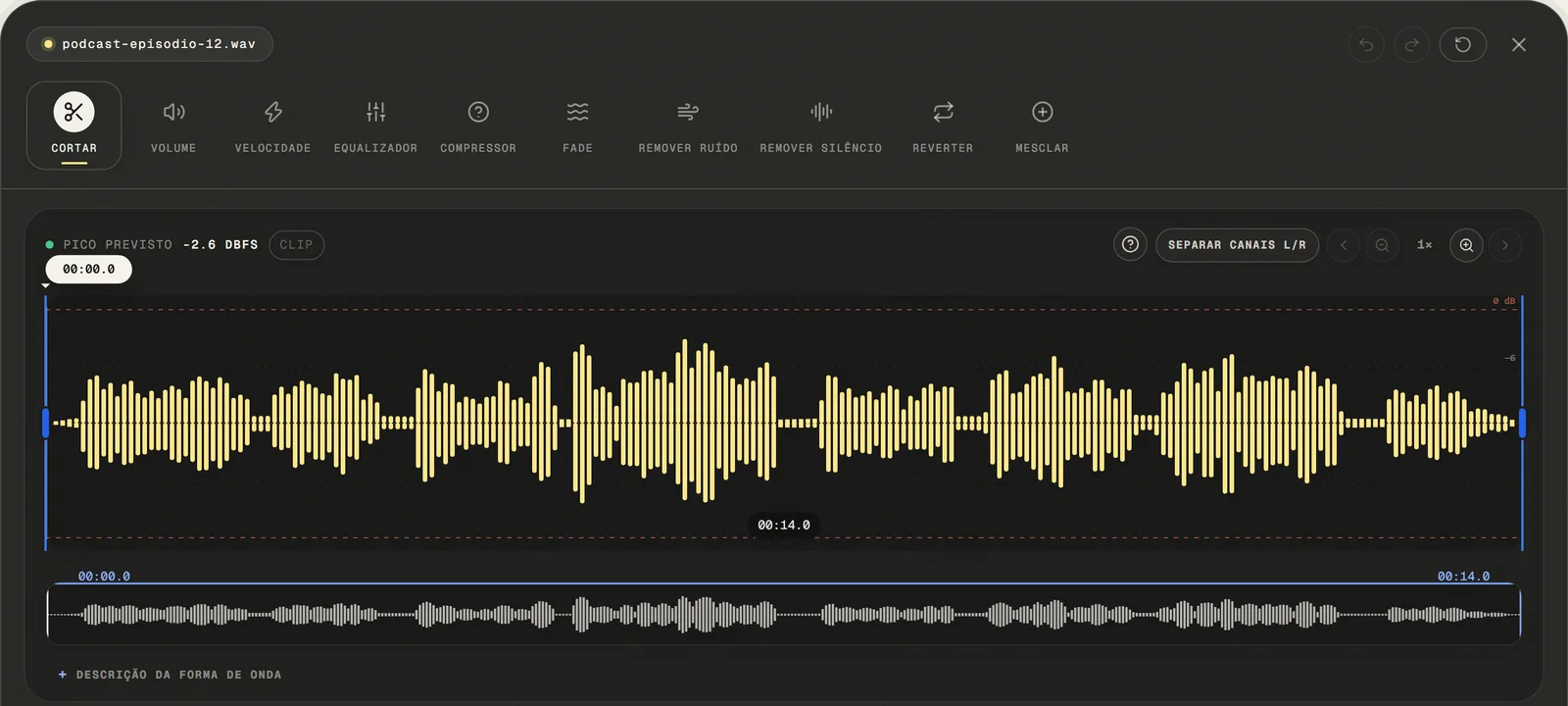
Upload Your Audio File
Choose a common audio or video file, paste a public link, or use the microphone. For video, only the first compatible audio track is opened.
local processing
- ( 02 / 03 )
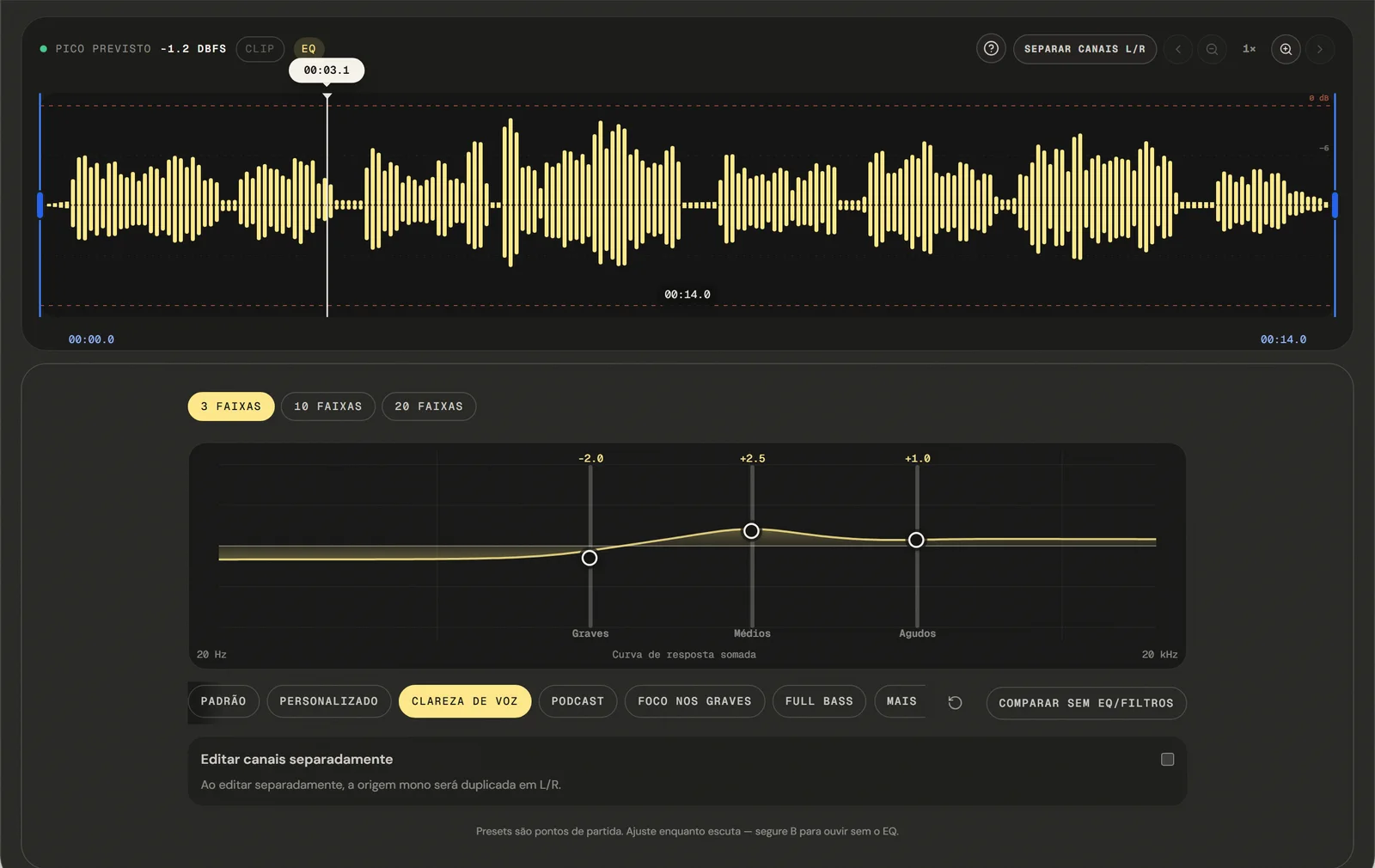
Apply the Reverse Effect
Select the Reverse tool. The engine immediately reorders the audio samples from last to first. You can preview the reversed audio in the player before exporting to ensure it's exactly what you need.
local Processing
- ( 03 / 03 )
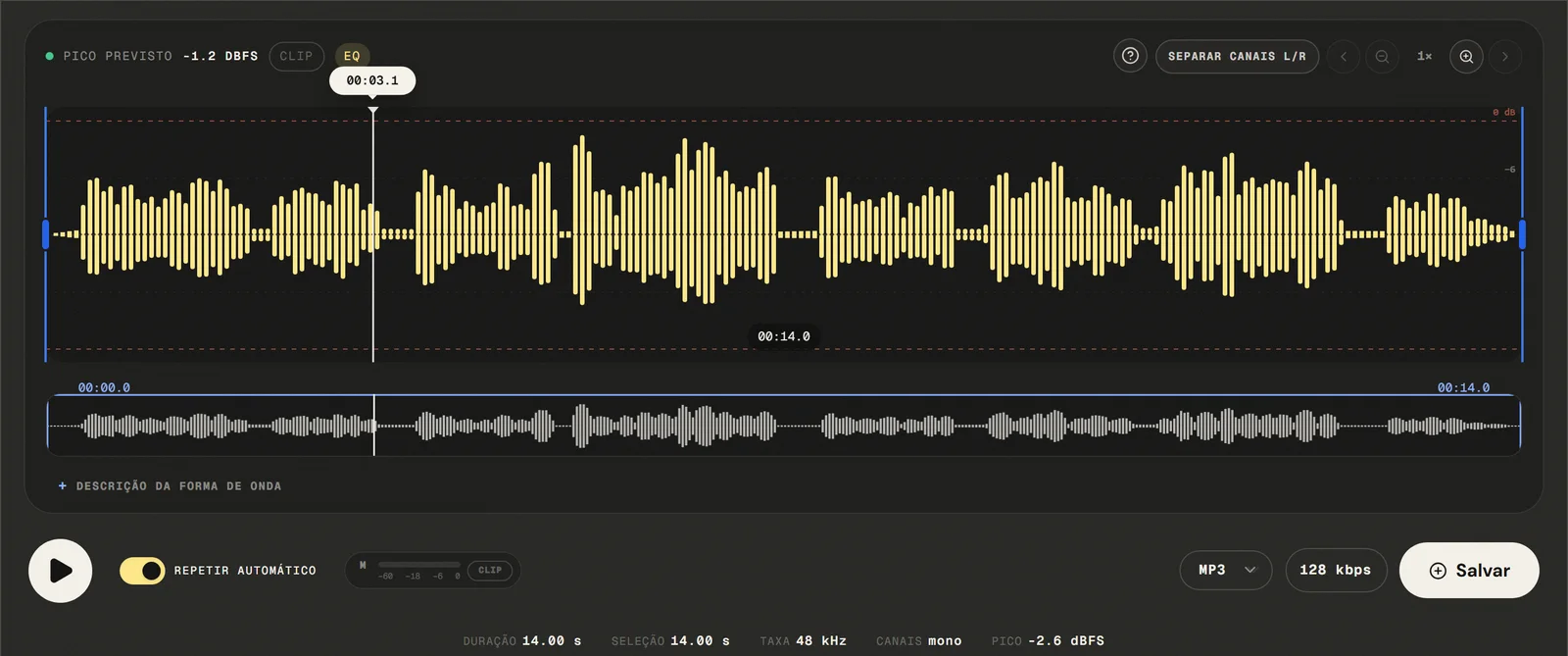
Export and Download
Available outputs are MP3 from 64 to 320 kbps, 16-bit PCM WAV, M4A with 192 kbps AAC, and FLAC. Your reversed file downloads after local processing — no watermark, no sign-up, no wait time.
No Watermarks
( Precision )
Reversing a whole file or only the part you selected
Experience instantaneous audio flipping powered by client-side Web Audio API and browser JavaScript technology.
- 01
Reversal in One Pass
The tool reverses the playback order of your audio file from the very last sample to the very first. It's the digital equivalent of playing a tape or vinyl record backwards.
- 02
Creative Sound Design
Reversed audio is a staple of sound design. Use it to create ethereal atmospheres, reversed cymbal swells, eerie vocal effects, and unique rhythmic textures that are impossible to generate any other way.
- 03
with re-encoding Reversal Engine
By processing audio locally, we avoid the quality loss associated with re-compressing files on a server. Your reversed export retains the bit depth and sample rate of the source.
( Why in the browser )
Why flip a track in the browser instead of opening a DAW
No complex DAW or expensive editing software is needed to flip audio. Our online tool provides high-fidelity audio reversal in any browser, on any device.
- ( 01 )
Results in the Browser, No Install
Reverse any file in under ten seconds. No download, no installation, no system requirements. depends on the browser's audio capabilities Windows, macOS, Linux, iOS, and Android.
- ( 02 )
Processed in your browser
Your audio never leaves your device. The reverse processing happens entirely in your browser memory using Web Audio API and browser JavaScript. The selected audio file is processed locally in this browser tab.
- ( 03 )
High-Fidelity Sample Reversal
Our engine reverses the raw audio samples directly, ensuring no loss in quality. Editing uses decoded samples: MP3 and M4A are re-encoded; WAV uses 16-bit PCM and FLAC losslessly compresses that PCM.
( Other tools )
Other free audio tools
Open only the tool needed for the next step in your file.
( Where your audio goes )
( File processing )
Your audio is reversed in this tab, not uploaded
The chosen audio file is decoded and edited locally. The page may make connections for site resources and consented analytics.
Read the Privacy PolicyFile in browser memory
. The audio file is not sent to the application server to perform the edit.Device limits
. Long files require more memory; the practical limit varies by device and browser.Local export
. The result is rendered in the browser. Compressed formats are re-encoded.
( Questions? Answered )
Questions about reversing and flipping audio
Direct answers about how the current tool works.
How do I flip an MP3 so it plays backwards?
Open the file, leave the whole-file mode selected, and apply the reversal. The preview plays the reversed result before you export, and the file you opened is never changed.
Can I reverse only one part of a track?
Yes. Set the selection markers around the section you want flipped and switch to selected-section mode. An audio flip applied to a selection leaves everything outside the markers playing forwards exactly as before.
Does reversing change the length of the audio?
No. The same sample frames are played in the opposite order, so the frame count and the duration both stay as they were.
Does reversing reduce the quality?
Reversal itself is exact — no sample is altered, only reordered. Export is where quality can shift: saving back to MP3 runs another encoding pass, so choose 16-bit PCM WAV or FLAC when you want to avoid it.
Why do reversed cymbals and claps sound so different?
A drum hit starts with a sharp attack and fades out. Played backwards it swells into the hit instead, which is why reversed cymbals sound like a rising wash — the effect most people are after.
Which formats can I open and export?
Common audio and video containers are accepted: the editor tries native decoding first and falls back to a local FFmpeg build to pull the first compatible audio track. Exports are MP3 from 64 to 320 kbps, 16-bit PCM WAV, M4A/AAC at 192 kbps, and FLAC.
Is my audio file uploaded to a server?
The audio is decoded and reversed locally in this browser tab and is not sent to the application server to perform the edit. The page itself still loads site resources and consented analytics.
Can I reverse audio on a phone?
Yes, on iOS and Android browsers. Long recordings need more memory, so the practical file length depends on the device.
( Product evidence )
How this audio reverser was tested
The browser baseline verifies selected-sample reversal and unchanged frame count using a deterministic audio fixture.
Reviewed 3 September 2026
Read the methodology( 01 — Tested )
Test coverage
Environment: capability matrix v1, unit tests, and Chromium desktop and mobile profiles.
( 02 — Limits )
Device constraints
Processing time and support for additional inputs vary with device memory, browser capabilities, and the codecs contained in the file.
( Field notes )
Learn the technique behind the tool
Guides written and reviewed by the person who builds the editor, including the real limits of each feature.
- ( 01 ) · 12 min read
How to Reverse Audio Online: Reversed Audio and Backmasking
Learn how to reverse audio online for free. Practical guide covering reverse reverb techniques, backmasking history, real use cases and common mistakes.
Read - ( 02 ) · 15 min read
Online Audio Editor: Tools, Workflow and Real Limits
Guide to online audio editing with cutting, gain, a 3- to 20-band EQ, noise filters, speed, channels and export, including the tool's real limits.
Read - ( 03 ) · 9 min read
Audio Editing Glossary: 40 Terms Every Content Creator Needs to Know
Audio editing glossary with 40 essential terms. Learn what bitrate, normalization, clipping, EQ and compression mean — clear definitions for podcasters and content creators.
Read
( Ready when you are )
Reverse audio online
Reverse music, effects, and recordings directly in your browser to explore new textures without uploading the file to our servers.