( Free · in the browser · no sign-up )
Merge audio files online Arrange and append files in sequence
Build a queue, reorder or remove items, preview the sequence, and append the files in that order.
Or drop an audio or video file anywhere on this page. Supports: MP3, WAV, M4A, AAC, FLAC, OGG, WebM, MP4, MOV, MKV, and more.
The file you choose is processed in this tab; the page still loads site resources and consented analytics. Read the Privacy Policy.
- 01No installation
- 02Audio processed locally
- 03Preview before export
- 04No account
( What it is )
Join audio files online: chapters, voice notes and interview parts
Multiple audio files can be joined into a single track after local processing. Our tool delivers practical concatenation for all your creative projects.
Podcast Assembly
Join a pre-recorded intro, the main interview body, sponsor segments, and outro into one polished episode file — without opening a DAW. Maintain consistent branding and structure across every episode by reusing fixed segments and dropping in new content each time.
Audiobooks & Long-Form Audio
Record each chapter or section in separate sessions, then merge them into one master file. Match the level of each segment with the volume tool before joining, so no chapter jumps out against the one before it.
Music, Remixes & DJ Sets
Assemble a continuous mix by joining individual tracks, stems, or recorded sets. Apply crossfades between segments for smooth transitions — no abrupt cuts between songs. Ideal for fitness instructors, event recordings, and content creators who need a single uninterrupted audio file.
( How it works )
How to merge audio files in 3 steps
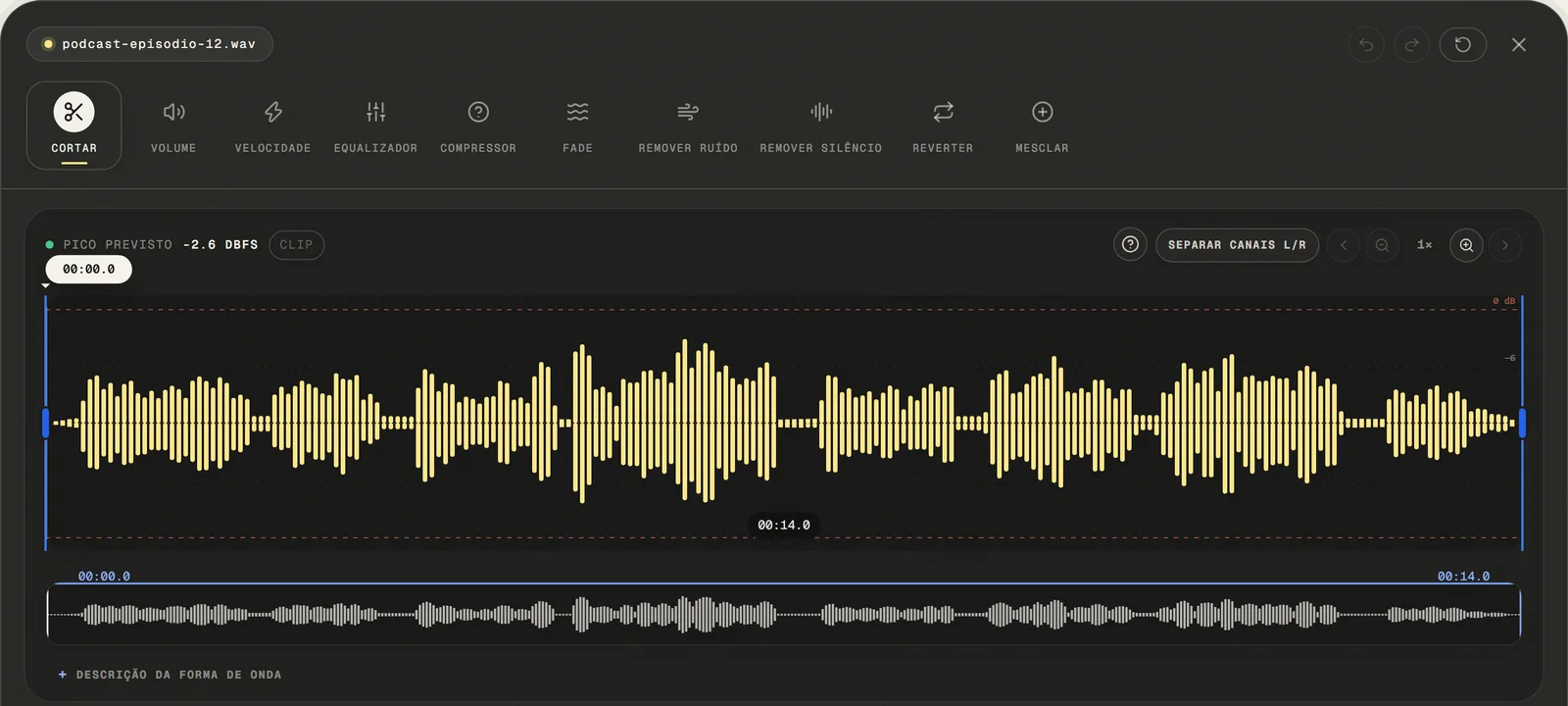
Click "Merge Audio Files" or drag multiple files directly into the upload zone simultaneously. The editor accepts common audio and video formats, tries native decoding, and uses a local FFmpeg processor as a fallback to extract the first compatible audio track.
- ( 01 / 03 )
Upload All Files You Want to Join
Choose a common audio or video file, paste a public link, or use the microphone. For video, only the first compatible audio track is opened.
local processing
- ( 02 / 03 )
Set the Order and Adjust Each Segment
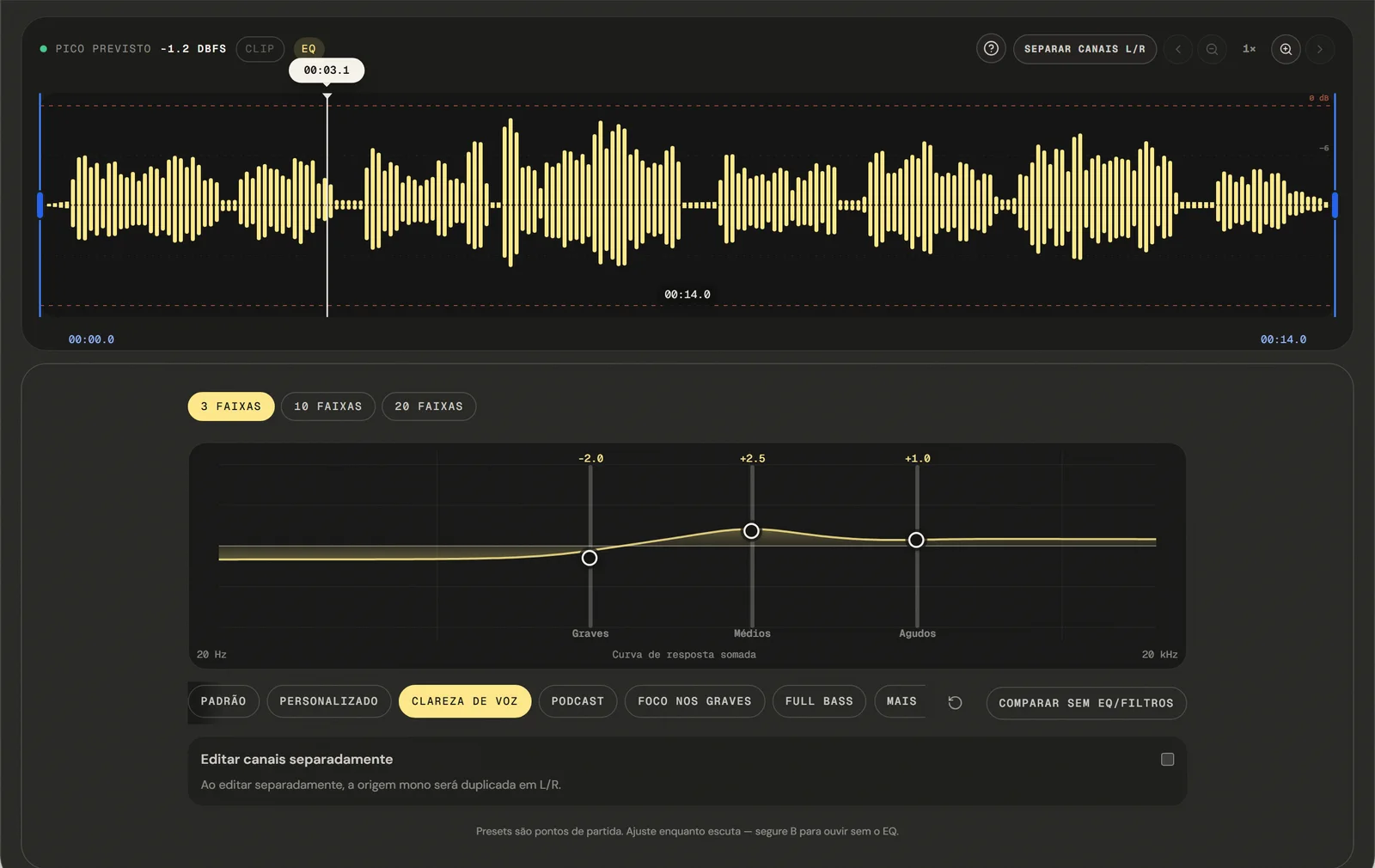
Drag and drop the uploaded files to set the exact sequence you want. The files will be joined in the order displayed — top to bottom. If any segment needs trimming, volume adjustment, or a fade before joining, use the integrated editing tools to prepare each file before confirming the merge.
Full Control
- ( 03 / 03 )
Export and Download Your Merged File
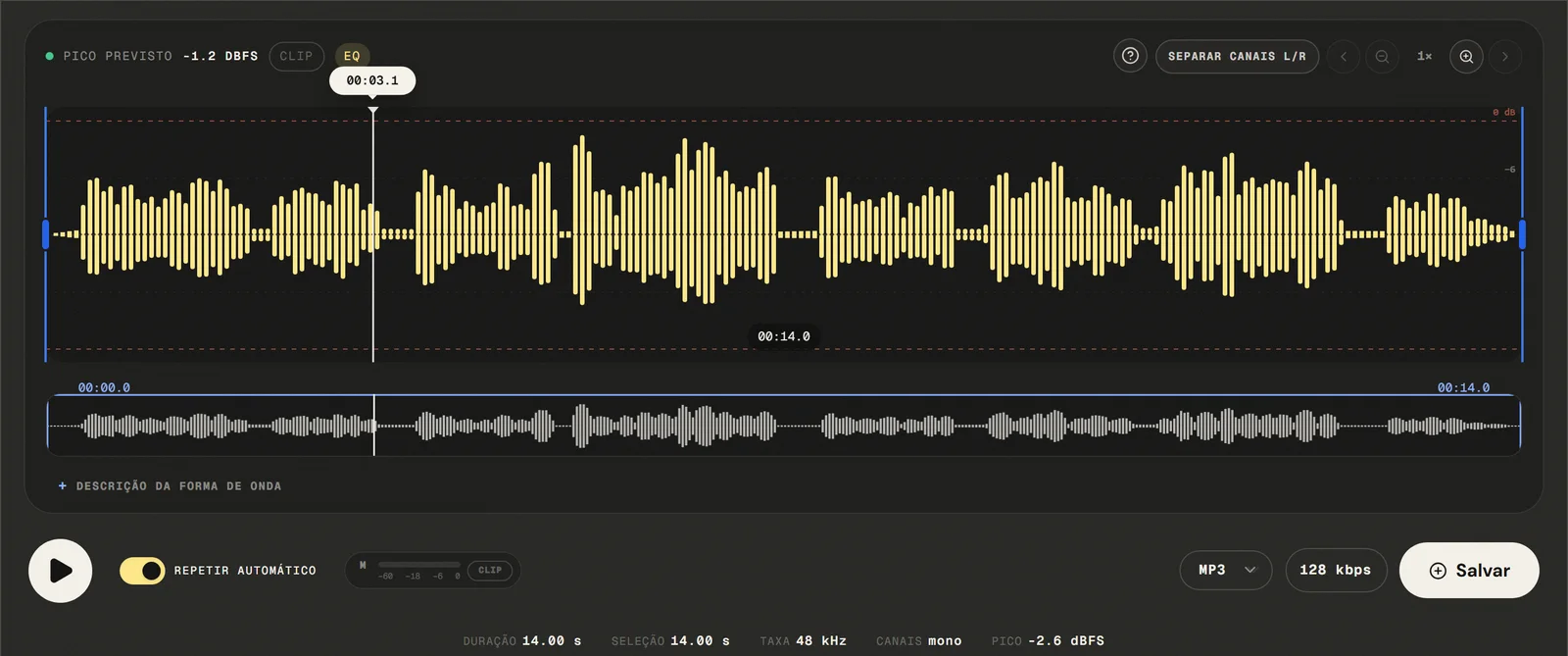
Available outputs are MP3 from 64 to 320 kbps, 16-bit PCM WAV, M4A with 192 kbps AAC, and FLAC. No watermark embedded, no account required, no file size restrictions. The output file is a single continuous audio track combining all segments in the order you set.
No Watermarks
( Precision )
Up to five files, joined end to end rather than layered
Advanced technical capabilities for practical-quality audio joining.
- 01
Sample-Accurate Concatenation
Files are joined at the exact sample boundary — no extra silence inserted, no samples dropped. Editing uses decoded samples: MP3 and M4A are re-encoded; WAV uses 16-bit PCM and FLAC losslessly compresses that PCM. Duration of the merged file equals the sum of individual file durations with no rounding errors.
- 02
Automatic Sample Rate gain adjustment
When merging files with different sample rates (e.g., 44.1kHz and 48kHz), the tool automatically resamples all inputs to a common rate before joining. This prevents pitch shifts and playback speed errors that occur when mismatched sample rate files are naively concatenated without resampling.
- 03
Drag-and-Drop Reordering
Reorder files after uploading with a simple drag gesture. The sequence displayed in the interface is the exact sequence used in the output file. Review the first and last few seconds of each segment using the inline preview before confirming the final order.
( Why in the browser )
Why a queue beats recording one long take
Desktop software like Audacity or GarageBand can merge audio files — but they require installation, project setup, and familiarity with multi-track editors. The tool lets you add, remove, reorder, and preview a queue before concatenation; rate and channels are converted to the project, without overlap, per-track mixing, or crossfade.
- ( 01 )
No DAW Required
Put the files in the order you want and apply the queue. There is no project to create, no track routing and no bus setup, and nothing to install before you start — the queue is ready as soon as the page loads.
- ( 02 )
Joined in your browser
Format conversion, sample rate conversion and the export all happen in this tab. The audio files are not sent to the application server to perform the merge; the page itself still loads site resources and consented analytics.
- ( 03 )
Seamless Transitions, No Clicks
Hard joins between audio files often produce a click or pop at the boundary caused by waveform discontinuity. The tool lets you add, remove, reorder, and preview a queue before concatenation; rate and channels are converted to the project, without overlap, per-track mixing, or crossfade. Combine with the integrated fade tool to apply short crossfades at join points for completely transparent transitions.
( Other tools )
Other free audio tools
Open only the tool needed for the next step in your file.
( Where your audio goes )
( File processing )
Your files are joined in this tab, not uploaded
The chosen audio file is decoded and edited locally. The page may make connections for site resources and consented analytics.
Read the Privacy PolicyFile in browser memory
. The audio file is not sent to the application server to perform the edit.Device limits
. Long files require more memory; the practical limit varies by device and browser.Local export
. The result is rendered in the browser. Compressed formats are re-encoded.
( Questions? Answered )
Questions about merging and combining audio
Direct answers about how the current tool works.
How do I merge two audio files into one?
Add both to the queue in the order you want them, check the preview, then apply the queue. The second file starts exactly where the first ends, and the result opens as one file you can keep editing.
Can I overlap two tracks so they play at the same time?
No. Files are placed one after another, never layered, so this will not put music underneath narration. The tool lets you add, remove, reorder, and preview a queue before concatenation; rate and channels are converted to the project, without overlap, per-track mixing, or crossfade.
How many files can I merge at once?
Five in one queue. For a longer assembly, merge five, export the result, then feed that export back in as the first item of the next queue.
Can I merge WAV files and MP3s together?
Yes. Files are converted to the open project's sample rate and channel layout before joining, so mixed formats can go into the same queue without preparing them first.
Why is one segment louder than the next?
Levels are not matched for you — each file keeps the level it arrived with. If one part jumps out, set it with the volume tool before adding it to the queue.
Can I reorder or remove a file before merging?
Yes. Items can be reordered or taken out while the queue is still open, and the preview plays the sequence as it currently stands, so the order can be checked before anything is applied.
Which formats can I open and export?
Common audio and video containers are accepted: the editor tries native decoding first and falls back to a local FFmpeg build to pull the first compatible audio track. Exports are MP3 from 64 to 320 kbps, 16-bit PCM WAV, M4A/AAC at 192 kbps, and FLAC.
Are my files uploaded to a server?
The files are decoded and joined locally in this browser tab and are not sent to the application server to perform the edit. The page itself still loads site resources and consented analytics.
( Product evidence )
How this merge tool was tested
Tests verify two-, three-, and five-file order, queue controls, sequence preview, 44.1/48 kHz conversion, and mono/stereo handling.
Reviewed 3 September 2026
Read the methodology( 01 — Tested )
Test coverage
Environment: capability matrix v1, unit tests, and Chromium desktop and mobile profiles.
( 02 — Limits )
Device constraints
Processing time and support for additional inputs vary with device memory, browser capabilities, and the codecs contained in the file.
( Field notes )
Learn the technique behind the tool
Guides written and reviewed by the person who builds the editor, including the real limits of each feature.
- ( 01 ) · 13 min read
How to Merge Audio Online with Direct Sequential Joins
Learn to order and join up to five audio or video files, prepare levels and edges, and understand the current tool's transition limits.
Read - ( 02 ) · 13 min read
How to Cut Audio Online with Precise Edits
Learn to select, keep or remove audio with zoom, boundary preview and optional microfade, including the real limits of precision and export.
Read - ( 03 ) · 15 min read
Online Audio Editor: Tools, Workflow and Real Limits
Guide to online audio editing with cutting, gain, a 3- to 20-band EQ, noise filters, speed, channels and export, including the tool's real limits.
Read
( Ready when you are )
Merge audio files online
Combine chapters, tracks, interviews, and recordings directly in your browser without uploading the files to our servers.